

From the first iPhone to iPhone 11, Apple has stored serial number, WiFi address, and Bluetooth address on NAND. However, REWA technicians recently discovered that the NAND on iPhone 12 does not store serial number, WiFi address, and Bluetooth address, which means that the NAND of iPhone 12 can directly be replaced by an iPhone 12 NAND and activated. Therefore, REWA technicians speculate that the storage upgrade of the iPhone 12 will be easier than previous models. Read this article to verify our speculation! The iPhone 12 serial number, WiFi address, and Bluetooth address are said to no longer be stored on the NAND. So the replacement of NAND no longer needs the NAND programmer.
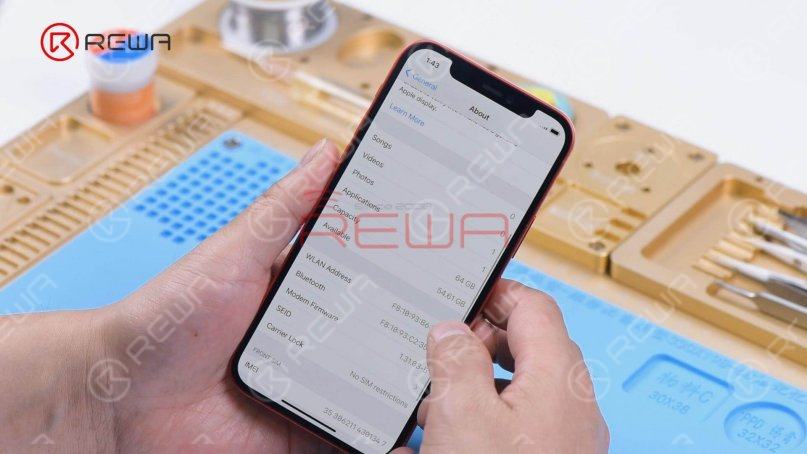
The capacity of the iPhone is 64G.
Disconnect the battery. Remove the display and the motherboard.
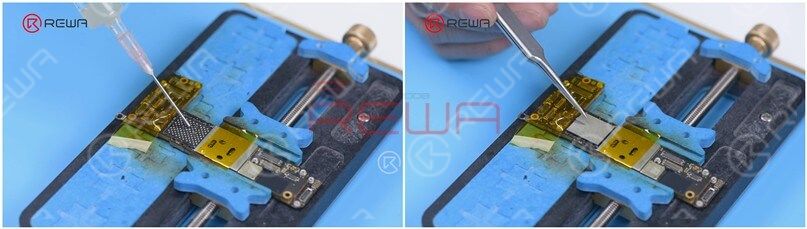
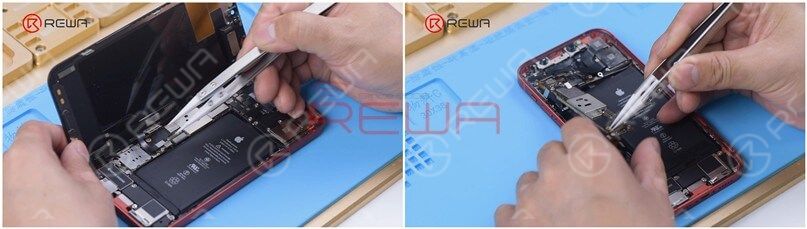 Attach the motherboard to the holder and then attach the high-temperature tape.
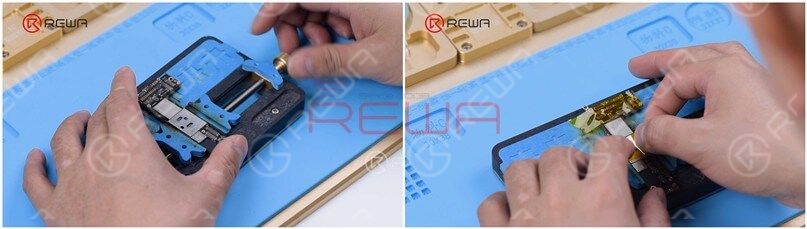 Heat the side of the NAND with Hot Air Gun at 280℃ and airflow 45. Remove black adhesive on the side of the NAND with a Side Glue Cleaner Blade.
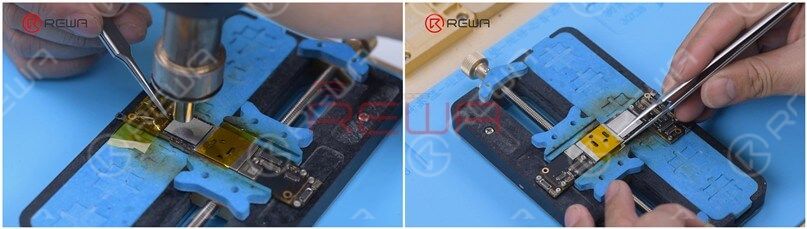
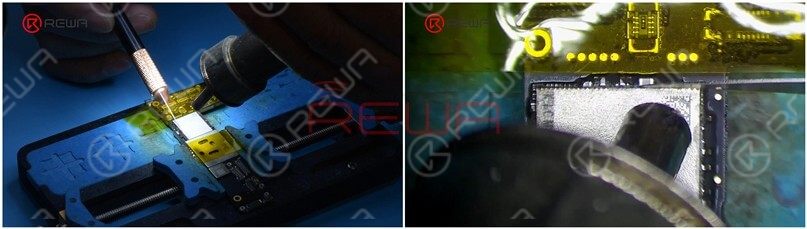 Heat the NAND with Hot Air Gun at 385℃ and airflow 45. Pry up the NAND with a Pry Knife
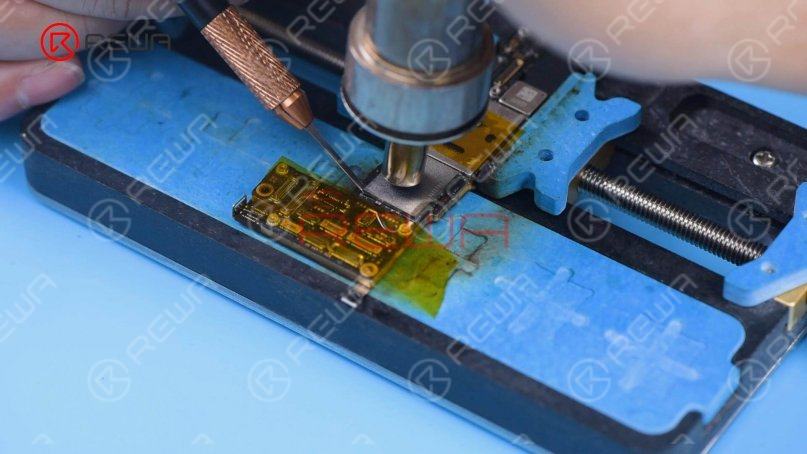 Solicitar pasta de soldadura de temperatura media to the bonding pad with Soldering Iron at 365℃ and then apply a small amount of Paste Flux.
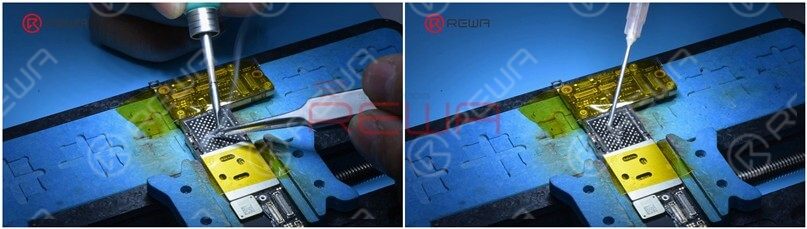 Remove tin on the bonding pad with Soldering Iron and Solder Wick. Clean the bonding pad with PCB Cleaner.
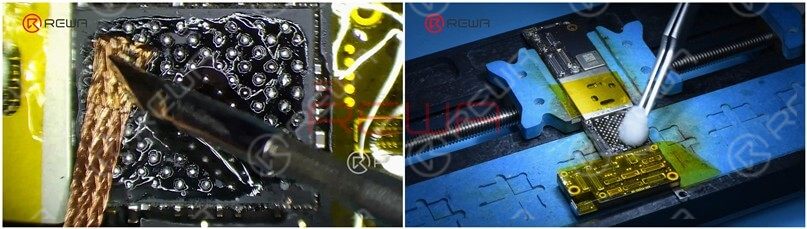 Heat the bonding pad with Hot Air Gun at 280℃ to remove the black adhesive. Dip rosin with Soldering Iron and Solder Wick to remove tin on the bonding pad. Clean the bonding pad with PCB Cleaner afterward.
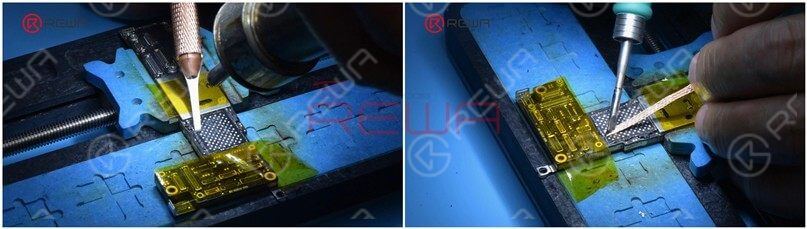 Apply some Paste Flux to the bonding pad and put an iPhone 12 256G NAND in position.
 Solder the NAND with Hot Air Gun at 365℃ and airflow 45. After the motherboard has cooled, peel off the tape.
 Install the motherboard and display. Plug in the data cable and connect the iPhone to the computer. Open 3uTools to flash the iPhone. The phone does not display a progress bar during the flash process and won’t display a progress bar until the flash has finished.
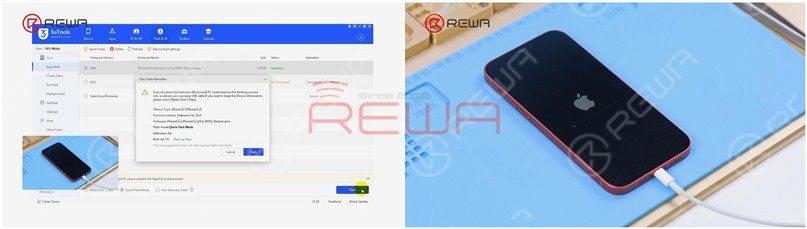 Activate the phone on 3uTools. Set up the phone and WiFi can be searched normally.
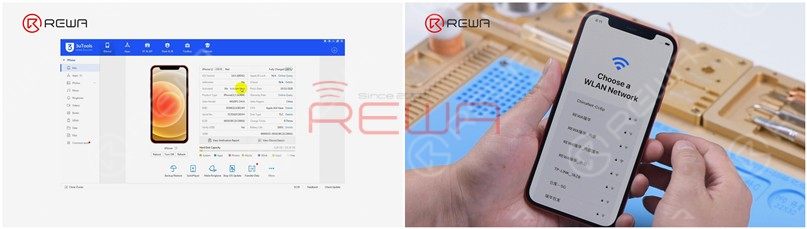 Go to Settings > About. The phone has a 256G capacity. The serial number, WiFi address, and Bluetooth address remain unchanged.
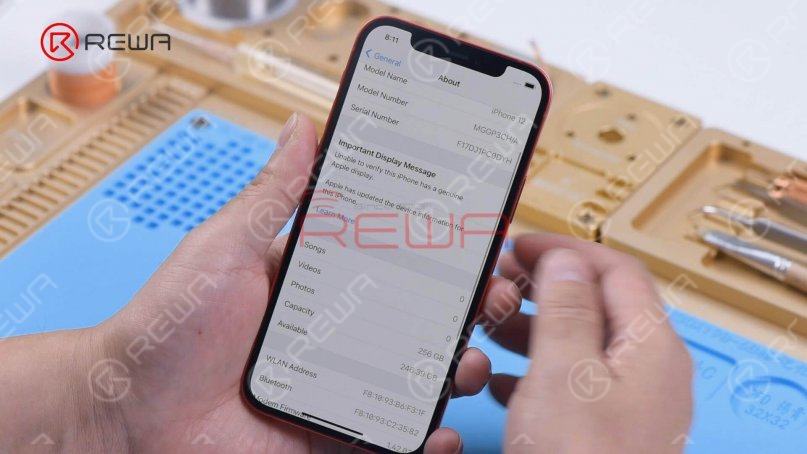
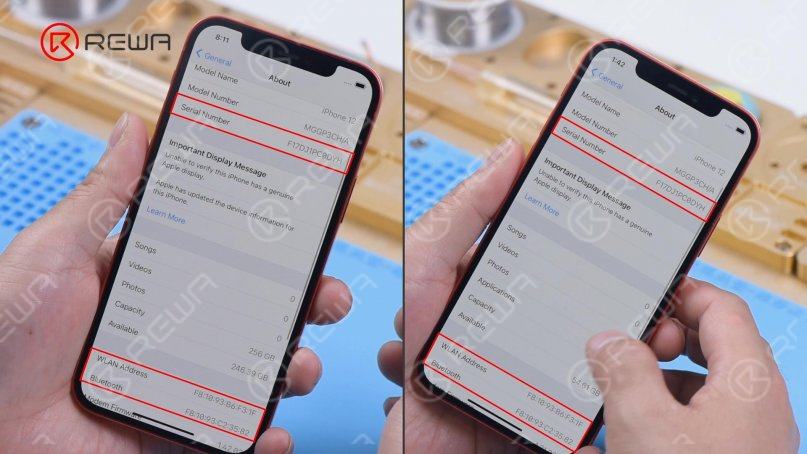
It can be confirmed that the serial number, WiFi address, and Bluetooth address are no longer stored on the NAND. Replacing the NAND of iPhone 12 with a disassembled iPhone 12 NAND no longer needs a programmer to write the serial number, WiFi address, and Bluetooth address. Unlike previous models, the NAND of iPhone 12 can be directly replaced. REWA technicians speculate that the serial number, WiFi address, and Bluetooth address are likely stored on EPROM or CPU. The technological change that Apple has made does make storage upgrade easier. But REWA doesn’t recommend that users upgrade storage on their own. The first reason is that Apple does not provide a warranty for the phone that has been disassembled before. The second reason is that inappropriate operation may lead to some malfunctions. The water resistance function will be much worse. But for a phone with a bad NAND, it will be much easier to repair.
Watch the video below to see how we upgrade the storage of the iPhone 12.

 English
  Español
  Français
  Deutsch
  Italiano